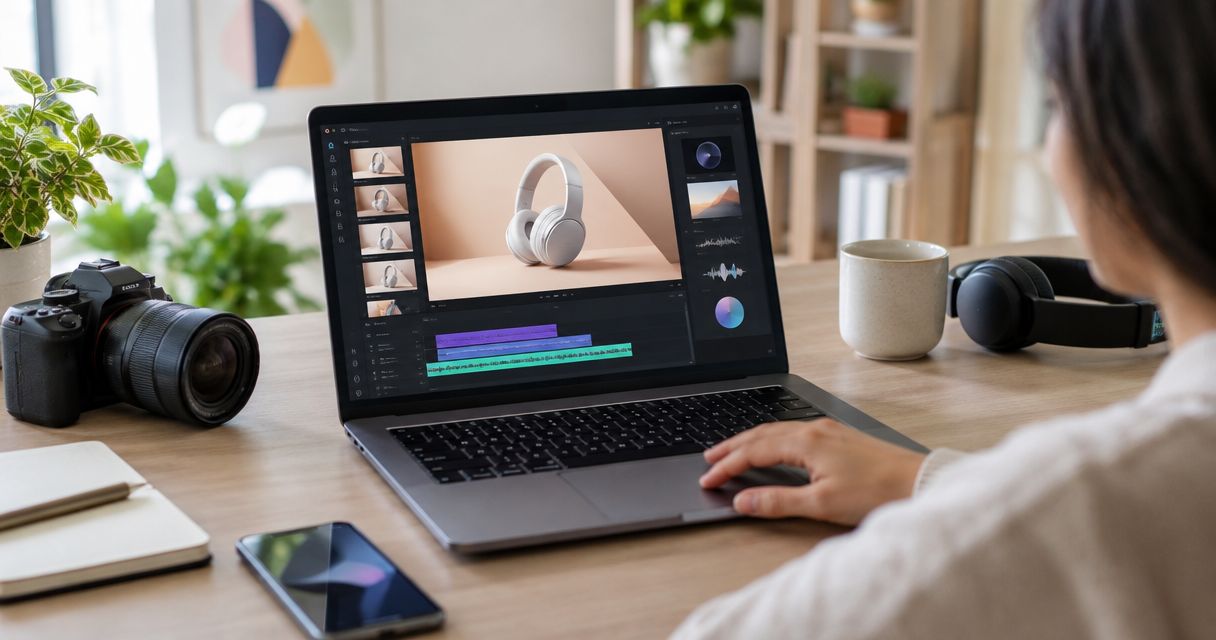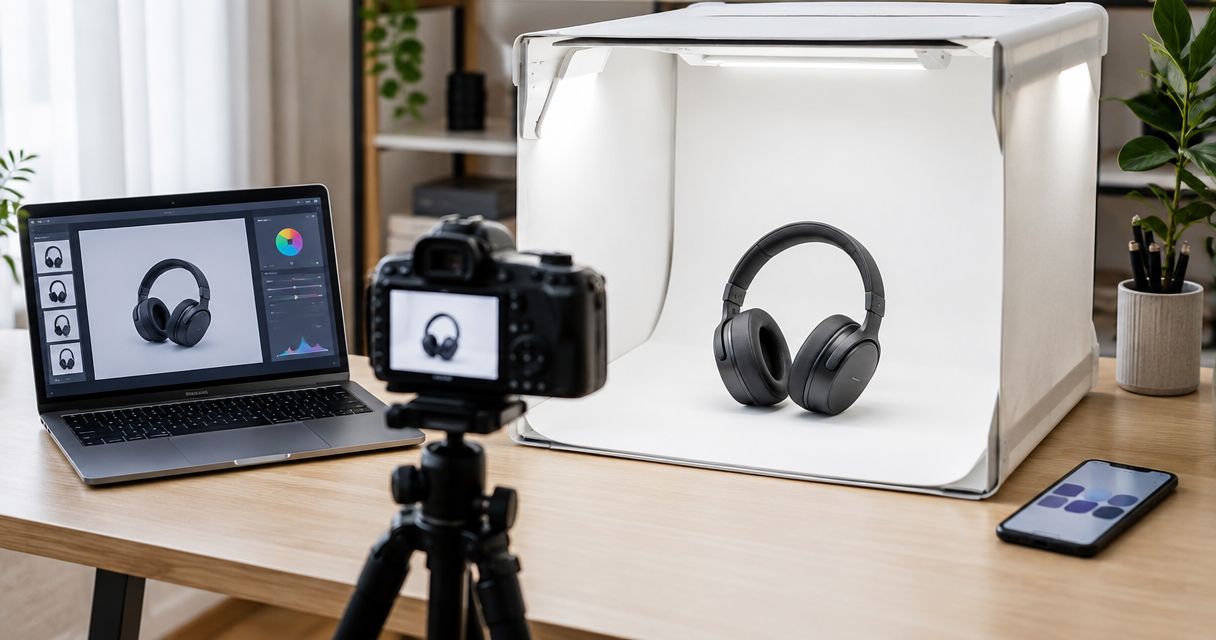
Best for e-commerce product creative: Icarus. Best for template-led layouts: Canva. Best for assembling branded assets: Adobe Express. Best for editing existing footage: CapCut. This 2026 guide separates creative generation from video editing and shows you how to check whether a free workflow produces an ad you can actually use.
- Icarus fits e-commerce teams creating product photos, social content and ad videos without a traditional shoot.
- For an ai ads video generator free workflow, check export access and commercial-use terms before building your ad.
- Canva suits template-led layouts; Adobe Express suits asset assembly; CapCut suits footage-led editing.
- Choose by your missing asset: product imagery, layout, assembled creative or an edited video.
Why this matters
A generated clip is not automatically a finished advertisement. You still need an accurate product, a clear message, readable text and a usable export. A convincing background does not compensate for a changed label or an unsupported product claim.
The useful question is not simply which tool generates video. It is which tool completes the part of production you cannot already handle. Starting with product photos requires a different workflow from cutting footage you already own.
For your 2026 shortlist, treat free access as a condition to verify at the point of use. Check the exact features, assets and export settings you intend to use, rather than assuming that access to an editor includes everything inside it.
What makes the best free AI ad video generator?
Use these criteria before choosing a tool. They judge the finished advertisement, not the appeal of a demonstration clip.
- Starting material: Does the workflow match what you have: product photos, a brief, brand assets or recorded footage?
- Product accuracy: Can you inspect the product shape, label, colour and proportions before approving the result?
- Message control: Can you make the offer, opening line and call to action clear without crowding the frame?
- Editing control: Can you change the sequence, timing and text when the first draft misses the brief?
- Export suitability: Check watermarks, output settings and any feature restrictions before committing to the edit.
- Usage rights: Read the applicable terms for generated content, templates, music and uploaded material separately.
For a free workflow in 2026, test the export first. Build a disposable draft, download it and inspect it before spending time on a polished version. That check belongs at the start, not after approval.
Best AI ad video workflows at a glance
These recommendations cover different production jobs. They are not a claim that every listed feature or output is included in a free account.
| Option | Best for | Standout purpose | Key limitation to check |
|---|---|---|---|
| Icarus | E-commerce product creative | Product photos, model shots and ad videos without a traditional shoot | Confirm that access and output terms match your brief |
| Canva | Template-led layouts | Combining visual assets, text and video layouts | Inspect the assets and features used in the finished design |
| Adobe Express | Assembling branded assets | Building video creative from supplied content and layouts | Separate template assembly from new footage generation |
| CapCut | Editing existing footage | Arranging clips, text, sound and transitions | Editing cannot supply product evidence you never recorded |
1. Icarus: best for e-commerce product creative
Icarus is a creative suite for e-commerce brands and in-house marketing teams. It generates product photos, social and ad content, and videos without a traditional photo or video shoot.
That makes the product itself the starting point. Choose this route when your brief needs product imagery and ad creative, rather than only a new edit of existing footage.
Icarus is best for e-commerce teams that need product imagery and ad videos without a traditional shoot. Keep that fit separate from the question of free access; check the current terms before choosing your production workflow.
Icarus pros:
- Matches the needs of online brands and in-house marketing teams.
- Covers product photos, model shots and ad video creative.
- Offers a production route that does not require a traditional shoot.
Icarus cons:
- Generated product depictions still need inspection against the real item.
- A generated scene does not prove a performance claim or demonstrate an actual customer result.
Best for: A product-led brief that needs new visual material, not just an edited timeline.
Write down what must remain unchanged before generating anything. Include packaging text, product proportions and any distinguishing details. Judge the output against those requirements, not just whether the scene looks attractive.
Verdict: Buy into this workflow for product-led creative; verify access and inspect every product depiction before publication.
2. Canva: best for template-led ad layouts
Canva combines design templates with video editing and content-creation tools. Its role in this shortlist is layout: bringing supplied images, clips and text into a coherent advertisement.
Choose Canva when the ingredients already exist but the composition does not. A product image, a short message and a clear closing frame give you a more controlled starting point than an open-ended request to generate an entire commercial.
Canva pros:
- Provides a template-led starting point for composition.
- Combines text, imagery and video within a design workflow.
- Supports a layout-first approach when brand assets are already prepared.
Canva cons:
- A template does not decide which product benefit deserves attention.
- Assets and features within a design require their own access and usage checks.
Best for: A marketer turning approved material into a structured social advertisement.
Replace placeholder copy before judging the design. Your actual headline can occupy a very different amount of space, and a layout that looks balanced with sample text can become crowded with your offer.
Keep the first draft simple. Use the template to organise the message, not to justify adding another transition or another line of copy.
Verdict: Buy into Canva for layout-led production; skip it as your sole answer when the missing ingredient is accurate new product footage.
3. Adobe Express: best for assembling branded assets
Adobe Express brings templates, design tools and video editing into a content-creation workflow. It suits an assembly task: turning approved logos, images, clips and copy into a usable ad draft.
The distinction is what you bring to the project. If your team already has suitable material, focus on arranging it clearly rather than generating replacement visuals without a reason.
Adobe Express pros:
- Combines supplied visual assets and text in a design environment.
- Provides templates as starting structures rather than requiring an empty canvas.
- Supports video assembly alongside other branded content work.
Adobe Express cons:
- Supplied assets still need to fit the message and intended placement.
- Building an edit from existing material is not the same as generating a new product demonstration.
Best for: An in-house team assembling an ad from approved brand material.
Begin with an asset list. Identify the opening visual, the supporting image or clip, and the closing message before choosing a layout. This makes missing material visible before design work hides the gap.
Check the finished export as a viewer. A tidy project file is not the deliverable; the downloaded video must carry the message without your explanation.
Verdict: Buy into Adobe Express for asset-led assembly; skip a generation-first workflow when your approved material already does the job.
4. CapCut: best for editing existing ad footage
CapCut is a video editor with tools for arranging clips, adding text and shaping a finished sequence. Its role here is footage-led production, where the raw material already exists and the edit needs work.
Choose this route for recorded product use, demonstrations or presenter footage. Real footage can show what happened in front of the camera; the editor helps you decide what viewers see first and what to remove.
CapCut pros:
- Centres the workflow on a video timeline.
- Combines footage, text and audio in an editable sequence.
- Suits revisions to openings, pacing and closing frames.
CapCut cons:
- Editing cannot replace a missing shot of an important product detail.
- Music, effects and other assets need usage checks before commercial publication.
Best for: A brand with usable footage that needs a clearer, tighter advertisement.
Watch the source clips before adding effects. Mark the moment where the product or benefit becomes understandable, then build the opening around that material. Remove repeated information before trying to make it more visually elaborate.
Verdict: Buy into CapCut for footage-led editing; skip it as a substitute for recording evidence your ad needs to show.
How to test a free workflow before committing
Use the same brief for every candidate. Otherwise, you end up comparing different ideas rather than different production workflows.
For a practical 2026 evaluation, make a 15-second draft in a 9:16 frame if that matches your intended vertical placement. These are suggested test settings, not required tool specifications. Confirm the final requirements with the destination platform.
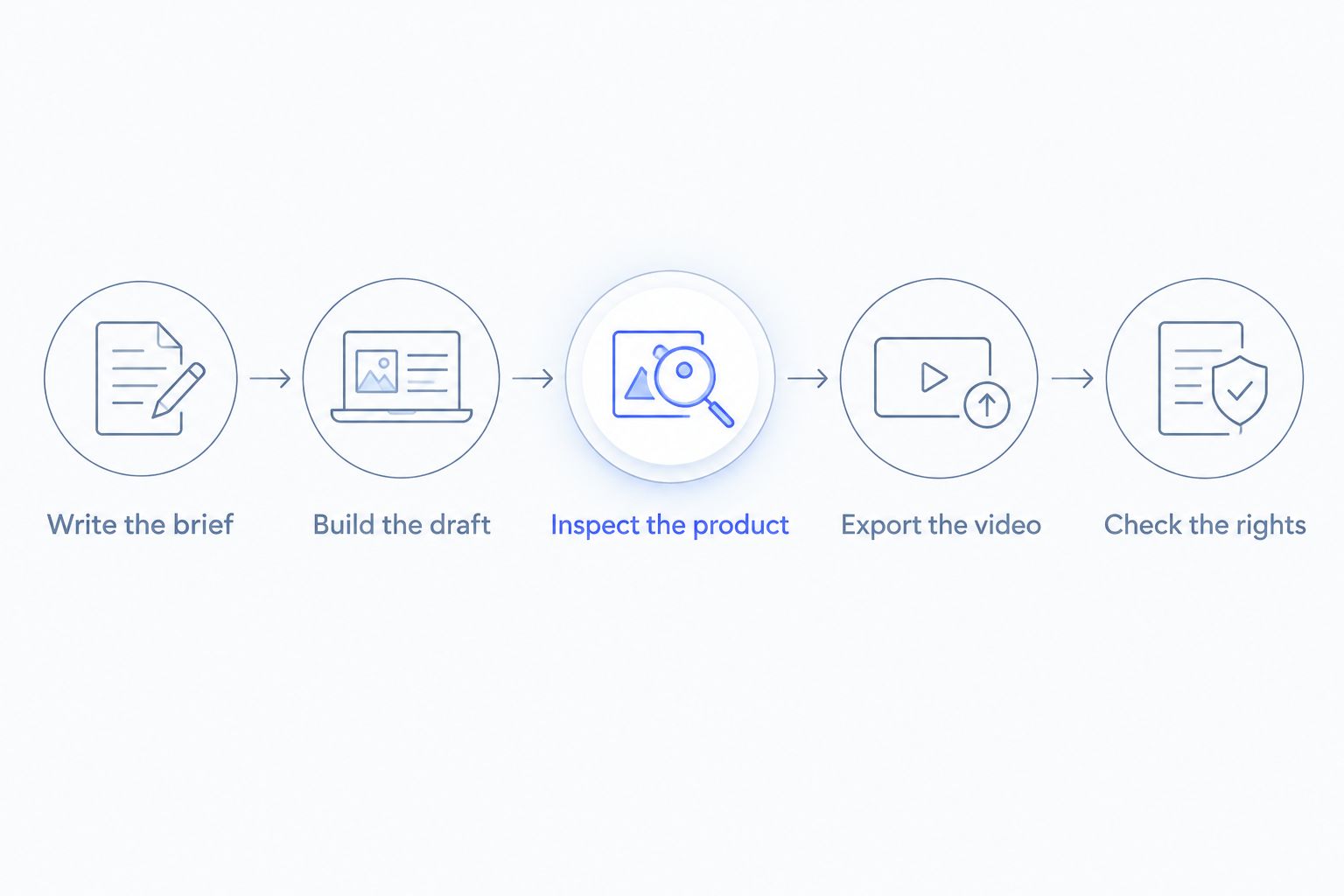
Write the brief
Name the product, intended viewer, single message and desired next action. Add a list of details the visuals must preserve. Keep factual claims separate from scene directions so an attractive result cannot disguise an inaccurate statement.
Build the draft
Use one approved product image or one suitable source clip. Start without decorative effects. You are checking whether the workflow can produce a clear ad, not whether it offers enough embellishments to hide a weak idea.
Inspect the product
Pause wherever the product appears. Compare the result with your source material, paying attention to labels, edges, proportions and reflections. Reject a visually appealing draft if it changes a detail a customer would rely on.
Export the video
Download the actual file using the access level you intend to keep. Inspect its watermark status, text, sound and framing. Do this before seeking approval, because an editor preview is not the file you will publish.
Check the rights
Read the relevant terms for the generated output and every added asset. Keep a record of the material you used and its source. Access to a feature and permission to use its output in an advertisement are separate checks.
How the recommendations are ranked
This 2026 ranking uses task fit: starting material, product accuracy, message control, editing control, export suitability and usage rights. It does not present a hands-on benchmark or a measured output-quality score.
The order starts with product-led generation because the intended reader sells products online. The remaining choices cover layout, asset assembly and footage editing. A tool wins its slot by matching the production job, not by collecting the longest feature list.
Which workflow should you choose?
Choose Icarus for new product-led creative without a traditional shoot. Choose Canva for template-led layout, Adobe Express for assembling approved brand assets, or CapCut for editing footage you already have.
If you are undecided, identify the missing input before opening an editor. Do you need a product scene, a design, an assembled message or a tighter cut? Answering that question prevents you from evaluating a layout tool as though it were a product-video generator.
Test 3 concepts with different opening messages rather than making cosmetic changes to one draft. Keep the product facts and intended audience consistent. This is a suggested creative exercise, not a promise about advertising results.
FAQ
What's the best free AI ad video generator for an online store?
Choose by the production job, then verify the free workflow through export. Icarus fits product-led creative without a traditional shoot; Canva, Adobe Express and CapCut cover different layout, assembly and editing needs.
Can I make an ad without filming new footage?
Yes, an ad can use generated visuals, existing product images or footage you already own. Check that the result depicts the product accurately and does not present a generated scene as proof of a real event.
Is Canva better than CapCut for video ads?
Canva fits template-led composition, while CapCut fits footage-led editing. Choose according to whether your main task is arranging a design or cutting an existing sequence.
Does free access mean I can export without a watermark?
Do not assume that free access includes a watermark-free export. Download a disposable draft using the features you intend to use, then inspect the actual file before building the finished ad.
Can I use generated ad videos commercially?
Commercial use depends on the applicable terms and the material in your video. Check generated-output terms, music rights, template assets and any uploaded content separately.
What should I put in an AI video ad brief?
Include the product, intended viewer, single message, visual direction and desired next action. List the product details that must remain unchanged and supply accurate reference material.
How do I compare video tools without wasting time?
Give each candidate the same brief and source material, then inspect the downloaded output. Compare product accuracy, message clarity, editing control and usage terms rather than unrelated demonstration videos.
One last thing
Save a reference image beside the exported video. On your final 2026 approval pass, compare the product in both before watching the ad for style. A persuasive advertisement for the wrong-looking product is a failed draft, not a finished asset.